
SafeLine Emergency Phone Communication
The SL6 is a powerful emergency phone platform designed for machine rooms or shafts – future-ready and now supporting VoIP communication over 4G and 5G networks. Read moreBook a demoFuture-Proof Safety for Elevators
SL6 combines traditional emergency communication with fire intercom in a single unit, ensuring maximum reliability with automatic fallback between 4G/5G/VoIP and landline.
With its modular design and unmatched reliability, the SafeLine Emergency Phone Communication system secures both compliance and safety – making it the trusted choice for modern and future lift installations.
Installation is simple and efficient, thanks to wireless configuration via the SafeLine mobile app, Lynx II – no computer required.
Key features of SL6
- Future-proof communication technology
- Fire intercom and emergency phone in one system
- Supports up to 6 voice stations per system
- Remote monitoring via ORION
- Easy wireless configuration with the mobile app
- Brand-independent – compatible with all elevators and alarm centers
Additional Components
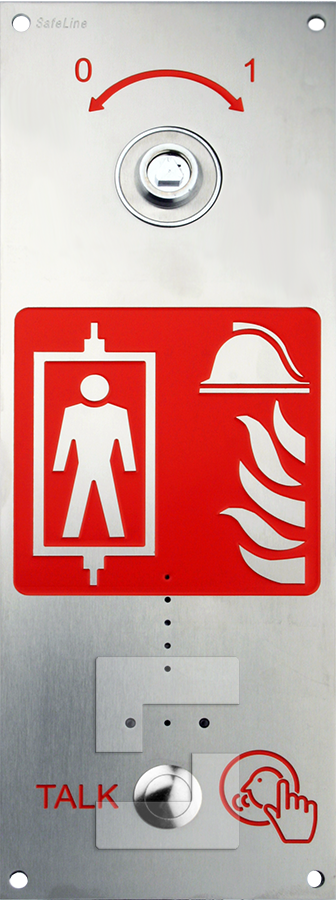
Fire Intercom Entrance Station
- Complies to EN81-72
- Key switch for Fire mode activation
- Flush or Surface Mount
SL6 Voice Station (Car-Top / Lift Pit)
- Safe emergency communication for service technicians
- Integrated emergency light
- Robust design
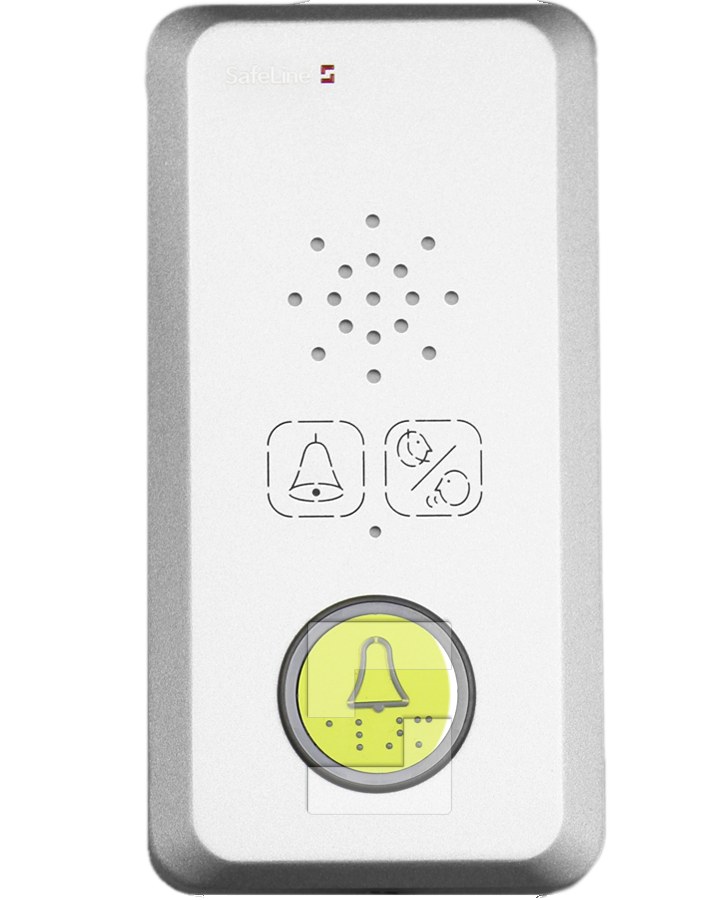
SL6 Voice Station (Weather-Protected)
- Outdoor-ready durability
- Quick installation
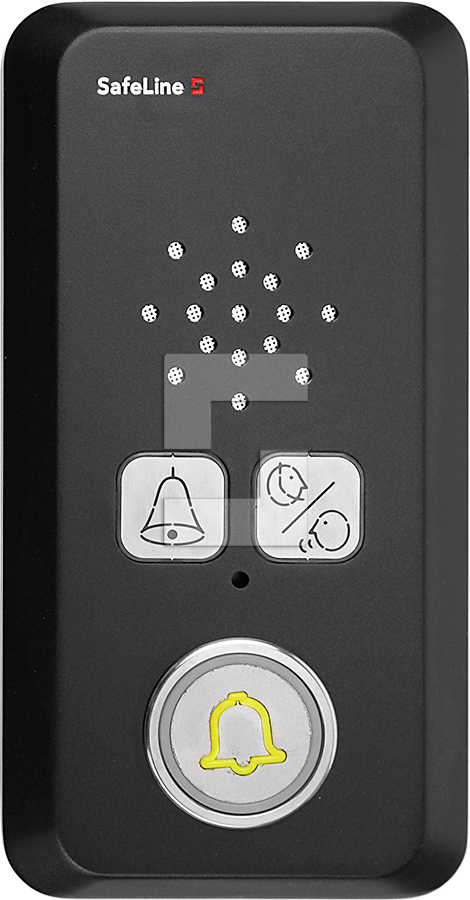
Dark Matter Black Voice Station
- Slim and discreet design
- Easy installation
- EN81-28 compatible pictograms
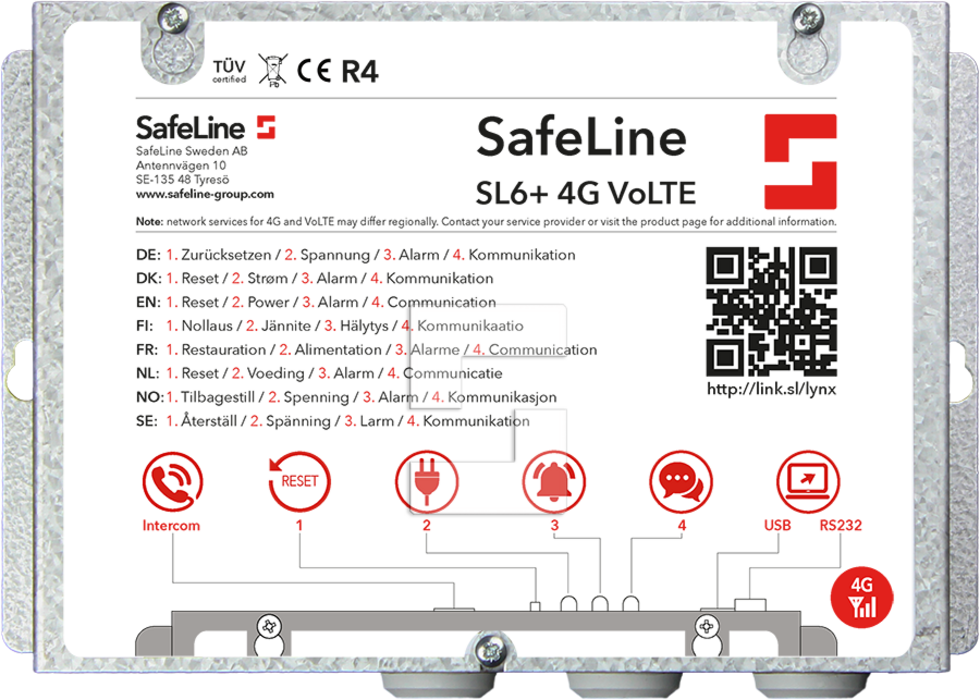
SL6-4G Main Unit
Technical specifications
Properties
-
Future-ready connectivity
-
Dual-purpose system
-
Multiple connection options: 4G/5G/VoIP
- For all types of buildings
- Connect up to six voice stations
- Built-in wireless configuration
- Intercom/Fire intercom support
- Wide range of voice stations
- Battery backup + automatic battery condition test
- Fulfils EN81-28 and EN81-70
Electrical data
- Power Supply: 230 VAC
- Power Supply LED: 30W
- Battery. 12 VDC, 1,2 Ah
- Inputs: 10-30 VDC, 5 mA
- Effect: 230VAC, 6-10W
- Current Consumtion: 25 W
- Output Voltage: 12VDC
- IP: IP20
- Antenna Connection: SMA
Included in package
Manual Modular cable, JST 6 + 2 (flat), 5-meter L-Key pin Hexagon 2.5mm, Antenna
Watch the movie
FAQ Lift emergency telephones
Do we have to use SafeLine SIM cards to run SafeLine Orion?
No. Orion works with other SIM providers as well. However, many lift companies choose SafeLine SIMs because they’re optimised for critical environments, fully managed by our team and tightly integrated with Orion and our test-call features.
What’s the advantage of multi-network SIMs for lifts?
With multi-network SIMs, the card can connect to more than one mobile operator and automatically use the strongest available signal. That’s especially important in lift shafts and machine rooms where coverage can be weak or unstable.
Can we manage all SIM cards in one place?
Yes. With the SafeLine SIM Management Portal you can see status, data and usage across all your SIMs, receive alerts and handle activations and changes – all from a single interface.
How do SafeLine SIMs support EN81-28 and emergency calls?
SafeLine SIMs are designed to work with SafeLine emergency phones and Orion to ensure reliable emergency communication, automated 3-day test calls, and clear logging of all activity in the cloud.
What happens with our connectivity when landlines (PSTN) are phased out?
SafeLine SIMs are 4G/VoLTE-ready and built for the transition away from traditional landlines. They help you keep emergency communication and monitoring services running as telecom networks modernise.
Is this only for lifts, or can we use the SIMs for other systems too?
Many customers also use SafeLine SIM cards for related critical systems such as fire alarms, access control, CCTV, and building IoT devices – wherever uptime and secure connectivity matter.
I am getting a bad reception for GSM with the lift telephone, but on my mobile phone the signal is fine. Why?
Try switching your mobile phone from 4G to only 2G and see if there’s still a difference. If you’re getting bad signals on your mobile phone after switching, you might need a 4G VoLTE board. Contact technical support for more information.
Why does the line hang up every time I try dialing?
Check what identification protocol is being used when calling an emergency operator. Please see the lift telephone’s manual to change this setting.
How do I get supply voltage from SL6 to GL1?
Use +D1 (12 VDC) on the SL6 as the supply and connect it to –D5 on the GL1.
D6 is reserved for the emergency bell output and is not intended as a supply for the GL1.
The telephone won’t connect me through, why?
If you’re using a GSM unit and have a prepaid SIM card, check if there are enough funds on the card. If the unit does not use a prepaid SIM card, call your operator to make sure that speech is activated on the SIM card.
Why can’t I switch from GSM to PSTN?
Ensure that “GSM Interface Disabled” is turned off in the Lynx app.
If it is already enabled, check GSM signal, SIM card and wiring to the interface, and restart the unit if needed.
Why doesn’t the alarm button work from input 1 or 2 on the SL6?
Check the configuration of input 1 or 2. Input 1 is pre-set as alarm button and input is pre-set for fire alarm.
The pictogram LED’s are flashing quickly and simultaneously – why?
– The address switch is either set to an invalid number: 0, 7, 8 or 9 (valid numbers are 1–6), or the address switch setting has been changed during operation.
– The error can also be caused by a communication or wiring fault, such as a loose or broken wire.
– Change the address switch to a valid number and check the wiring between the units. If the problem remains, refer to the installation manual for further troubleshooting.
Why does the telephone beep every 5 seconds?
This is to notify passengers of an ongoing call (anti-eavesdropping), a normal procedure.
There is GSM noise heard when calling – why?
This is probably due to the antenna’s positioning. Change the antenna position during a call until you find the optimal position. Do not install the antenna near the main unit or close to the cabling.
FAQ LYNX
Why does it say I need a password to configure through LYNX?
When you power up a unit, you have 10 minutes to start configuration in the LYNX app without a password. After this security timeout, the unit will request a BLE password. If you have passed this limit, simply restart the unit and begin configuration within 10 minutes.
On software versions 6.2X and above, the option to set a new BLE password is no longer shown in the app, but any previously set password is still required. If the password is unknown, the unit must be restarted or reset according to the manual.
Where can I find the SafeLine LYNX app?
You can find it in the Apple App Store and in Google Play by searching “SafeLine LYNX”.
I only have the quick guide, but I need the full manual. Where do I find it?
You’ll find manuals under the respective product page under “product files” or directly in the SafeLine LYNX app under each product.
Where can I find software for products?
You’ll find most software for products under the respective product page or on the Support page. Contact your local technical support for more information